How to Optimize Your Google Business Profile to Rank Higher on Google
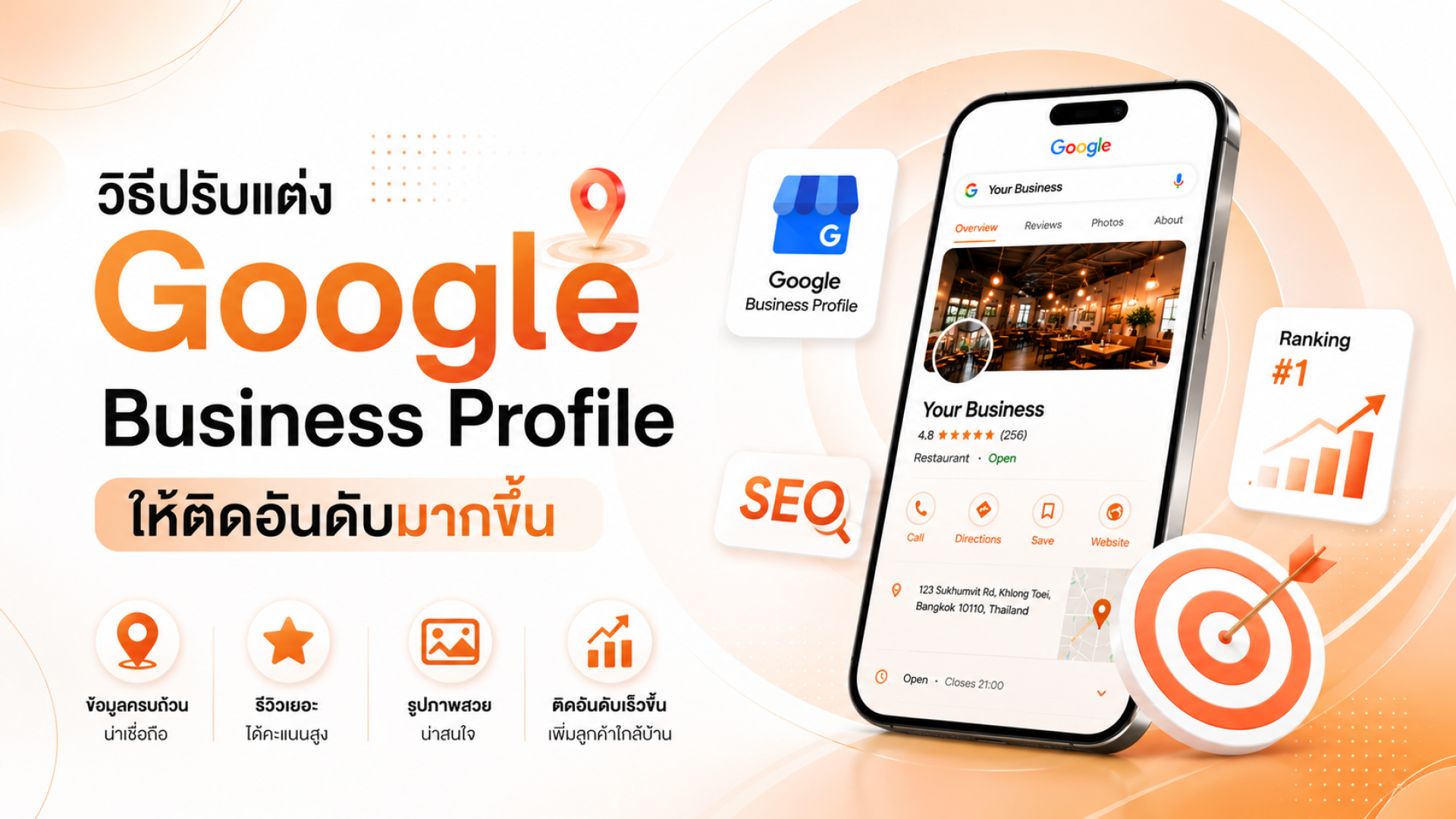
Optimizing your Google Business Profile (GBP) is one of the most effective ways to increase your business's visibility on Google Search, Google Maps, and AI-powered search results.
Today, Google uses AI to enhance certain search experiences, particularly Google Local Pack, which displays a list of nearby businesses alongside a map. When Google determines that a search has local intent, AI helps deliver the most relevant businesses based on location, relevance, and credibility.
In this guide, you'll learn how to optimize your Google Business Profile to improve your local rankings, attract more customers, and measure your results for continuous growth.
What Is Google Business Profile?
Google Business Profile (GBP) is a free business listing tool from Google that allows businesses to display important information on Google Search and Google Maps. Your profile can include your business name, address, phone number, website, business hours, products, services, photos, customer reviews, and directions.
A well-optimized Google Business Profile not only helps customers find your business more easily but also strengthens your Local SEO performance and increases your visibility in local search results.
How to Optimize Your Google Business Profile
Below are the most effective strategies for improving your Google Business Profile and increasing your visibility on Google Search and Google Maps.
1. Choose the Right Business Category
Your business category is one of the strongest ranking signals Google uses to understand what your business offers.
Choose the Primary Category that most accurately describes your business.
For example:
A bakery should select Bakery instead of Restaurant if baked goods are its primary offering.
Being as specific as possible helps Google match your business with relevant local searches.
Add Secondary Categories
Google Business Profile allows you to add up to nine secondary categories.
For example, a bakery could also add:
- Wedding Cake Shop
- Cake Shop
- Dessert Shop
These additional categories help your business appear for a wider variety of relevant searches.
2. Write a Keyword-Optimized Business Description
Your business description tells Google and potential customers what your business offers.
Using relevant keywords naturally throughout the description helps Google better understand your products, services, and target location, improving your chances of appearing in relevant searches.
Include information such as:
- Business type
- Main products or services
- Service areas
- Unique selling points
Examples of local keywords include:
- Dental Clinic Bangkok
- Coffee Shop Sukhumvit
- Japanese Restaurant Chiang Mai
- Air Conditioner Repair Lat Phrao
Google allows up to 750 characters for your business description, but only part of it is displayed in search results. Place your most important information near the beginning.
A strong business description should:
- Clearly explain your business
- Highlight your main services
- Mention your service area
- Include relevant keywords naturally
- Showcase what makes your business unique
- Avoid keyword stuffing
3. Upload High-Quality Photos and Videos
High-quality images and videos help complete your Google Business Profile and improve your visibility in local search.
They also build trust, showcase your brand, and encourage customer engagement.
Consider uploading photos of:
- Your storefront
- Interior and atmosphere
- Products
- Services
- Staff
- Customers (with permission)
- Events and promotions
Update your photos regularly so customers know your business is active.
Don't overlook customer-generated photos. Images uploaded by customers provide authentic social proof and increase your business's credibility.
4. Add Products and Services
Adding detailed product and service information helps customers understand what your business offers before visiting your website or store.
Complete product listings can:
- Increase your visibility in relevant searches
- Improve customer experience
- Make your profile more informative than competitors
- Include product names, descriptions, prices (if applicable), and photos whenever possible.
5. Collect and Manage Customer Reviews
Reviews are one of the most important ranking factors for Google Business Profile.
Businesses with more positive reviews generally perform better in Google Search and Google Maps.
Research by Joy Hawkins, founder of Sterling Sky, also shows that Review Velocity—how consistently you receive new reviews—can influence local rankings.
For example, a business receiving five new reviews every month may outperform another business that received fifty reviews several years ago but only a few recent reviews.
Encourage satisfied customers to leave reviews regularly and respond professionally to both positive and negative feedback.
6. Publish Regular Google Business Profile Posts
Posting regularly shows Google that your business is active.
Google Business Profile supports several post types:
- Updates — News, tips, blog articles, announcements
- Offers — Promotions, discounts, limited-time deals
- Events — Workshops, launches, and special events
Every post should include a clear Call-to-Action (CTA) such as:
- Learn More
- Book Now
- Call Now
- Sign Up
- Order Online
- Regular posting increases engagement and encourages customers to take action.
7. Keep Your Business Information Accurate
Google prefers businesses with complete and accurate information.
Regularly review your profile to ensure the following details remain up to date:
- Business name
- Address
- Phone number
- Website
- Business hours
- Products and services
- Contact links
Your information should also remain consistent across your website and other online business directories.
Google compares information from multiple sources to verify the accuracy and trustworthiness of your business. Keeping your business information accurate strengthens your Local SEO and improves your long-term visibility on Google.
How to Measure Google Business Profile Performance
After optimizing your Google Business Profile, review your performance at least once a month.
Google Business Profile Insights provides valuable metrics, including:
- Search impressions
- Search queries
- Profile views
- Phone calls
- Direction requests
- Website clicks
These insights help you understand customer behavior and identify opportunities to improve your Local SEO strategy.
Tips for Maintaining Higher Google Maps Rankings
Optimizing your Google Business Profile is not a one-time task. Businesses that consistently perform well on Google continue improving their profiles over time.
Best practices include:
- Request customer reviews regularly
- Respond to every review
- Publish new posts and promotions
- Keep business information updated
- Upload new photos and videos
- Update products and services frequently
These ongoing activities signal to Google that your business is active, trustworthy, and relevant, helping improve your visibility in local search results.
Grow Your Business with Google Business Profile Optimization
Help more customers discover your business with our Google Business Profile Optimization and Google Maps Listing Services. We provide complete solutions, including Google Business Profile setup, business verification, Google Maps listing creation, duplicate listing removal, business information updates, Local SEO optimization, and profile management. Our team helps your business improve its visibility on Google Search and Google Maps, attract more local customers, generate more inquiries, and achieve sustainable business growth. Contact us today for a free consultation and learn how Local SEO can help your business grow.